Local-first MCP memory server & knowledge graph
OttO brings
what you need
OttO stores what you learn, links it automatically, and answers questions from it.

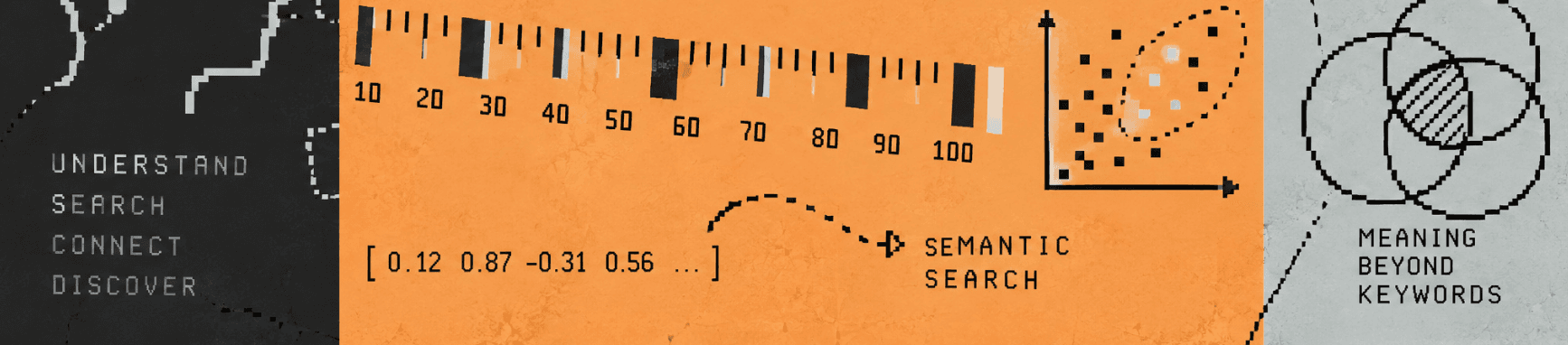
Three parts, one system
01
Every tool you already use
OttO Core runs a Model Context Protocol server on localhost. Claude, Cursor and any MCP client query your graph directly no export, no copy-paste.
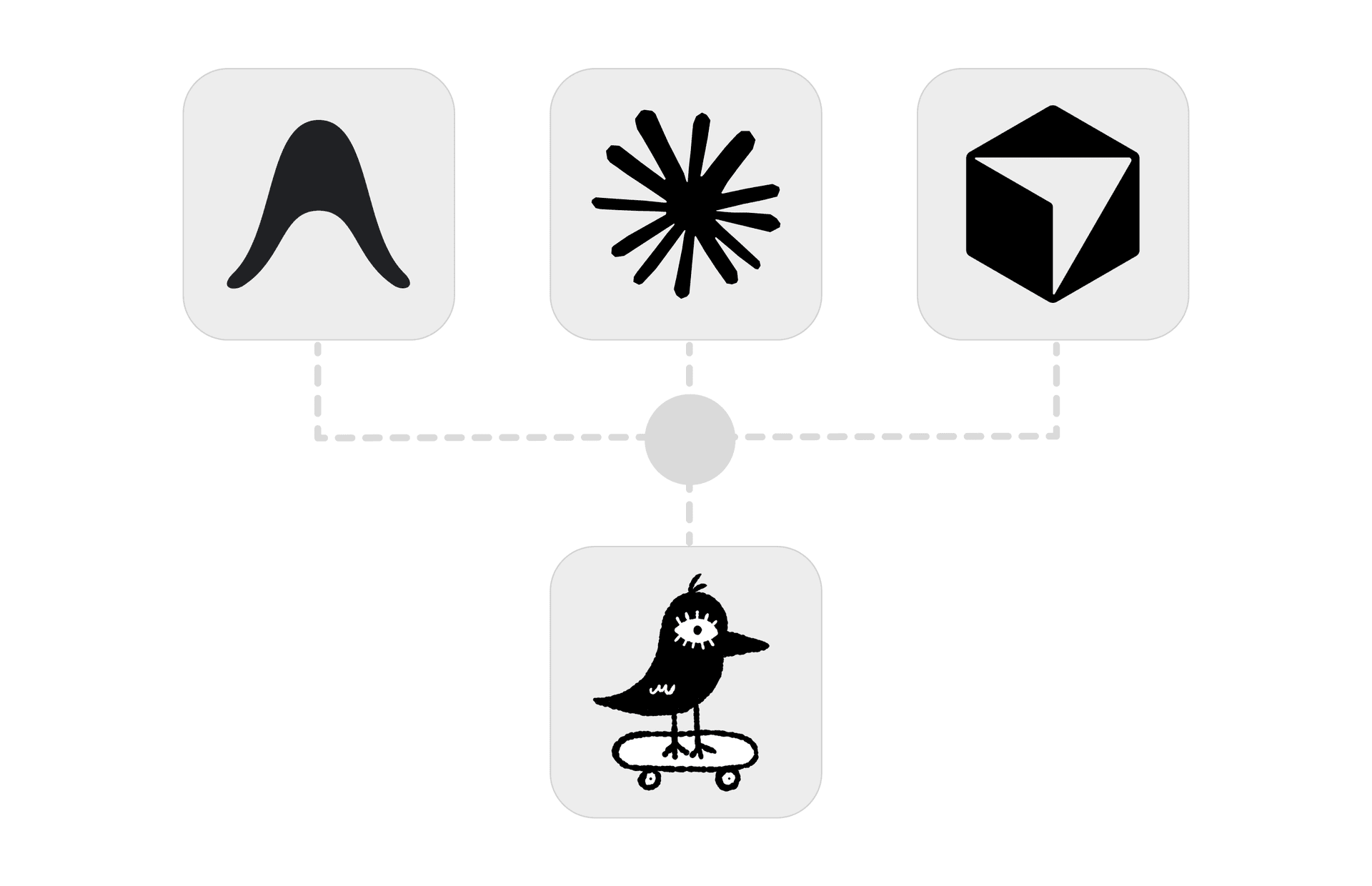 MCP SERVER
02
A graph, not a folder
Every note becomes a node. OttO reads it, classifies it, and draws the semantic links itself. You explore the result instead of maintaining it.
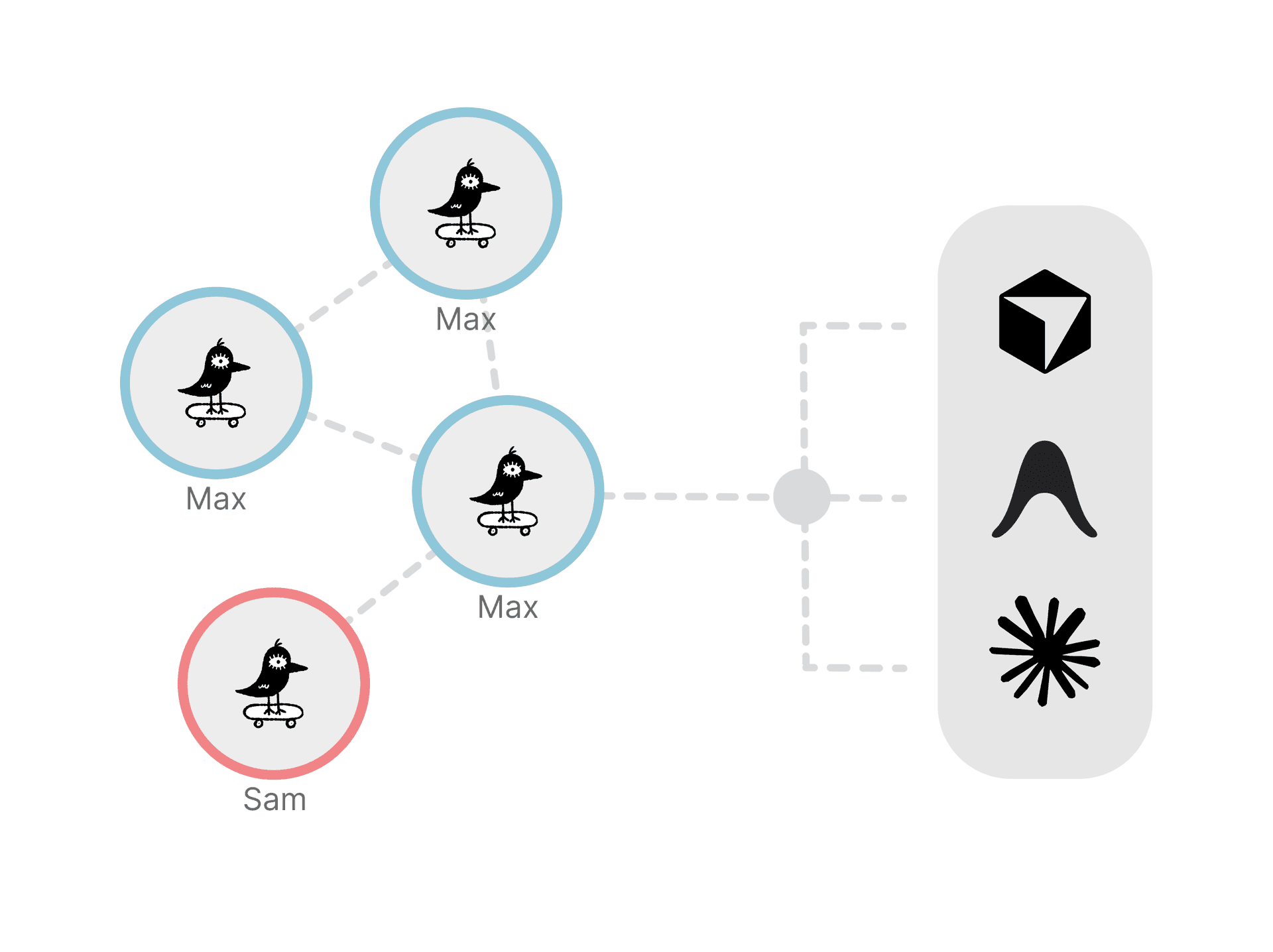 GRAPH VIEW
03
An agent that reads your graph
Ask in plain language. The agent reasons over your own nodes with Ollama, OpenAI or Groq, and writes what it figures out back into the graph.
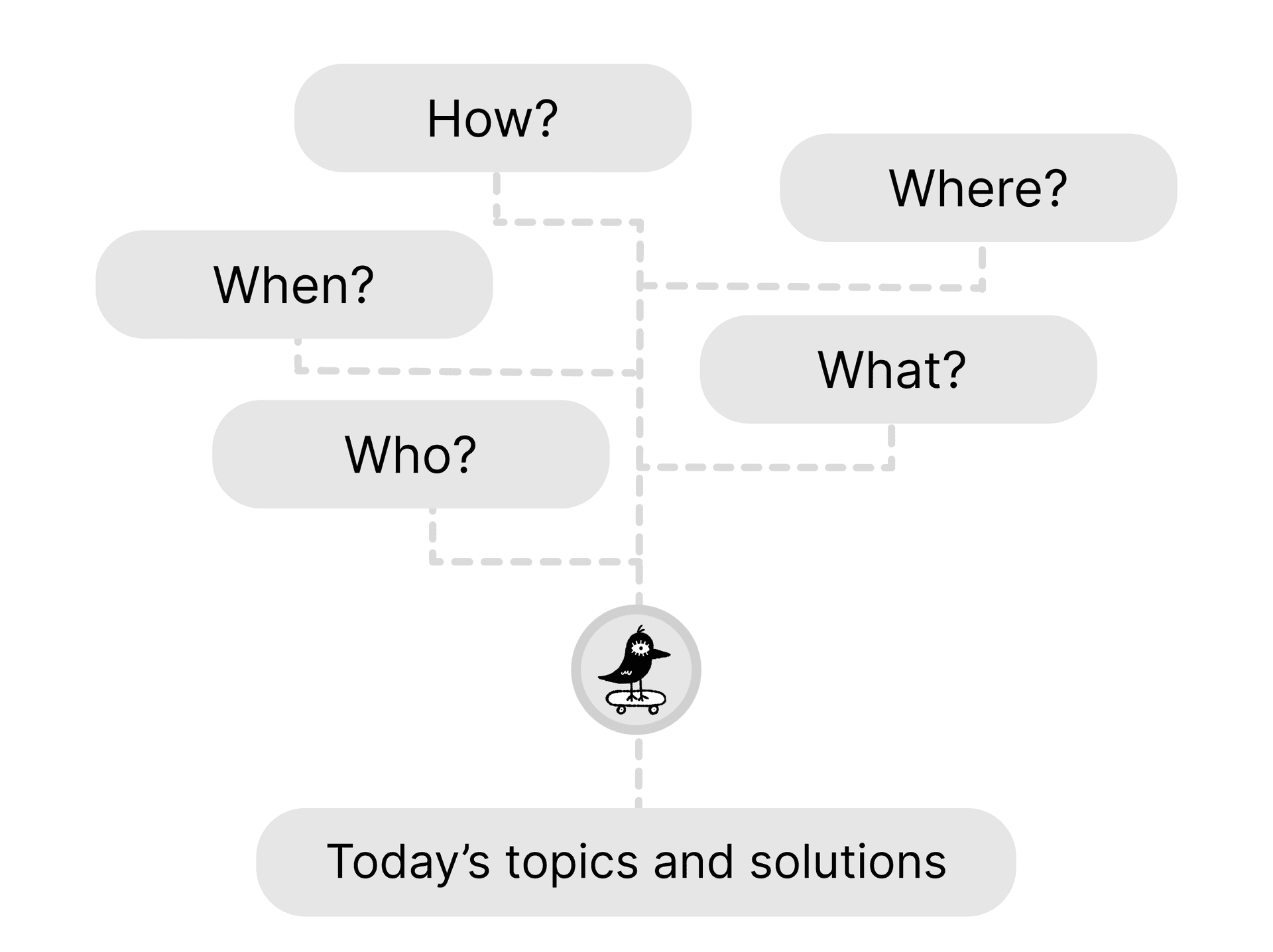 AGENT
AGENTSix things it does while you work
 01
01Classifies as you add
Raw notes come out structured and searchable without you tagging anything.
 02
02Builds the connections
Semantic links form between related ideas, including ones you never noticed.
 03
03Enriches what's there
New information refines the nodes you already have instead of piling up beside them.
 04
04Captures from anywhere
Research in any tool and persist the findings straight into the graph in one step.
 05
05Recalls instead of re-reading
Everything you have learned comes back on demand no retracing your own steps.
 06
06Keeps growing
The graph gets denser with every interaction, so it is worth more the longer you use it.
Start your
second brain
Free for you, custom for teams
Personal
Free
Forever. Bring your own API keys.
- ✓OttO Desktop app
- ✓OttO Core (MCP server)
- ✓Unlimited knowledge nodes
- ✓Visual knowledge graph
- ✓Semantic & spread search
- ✓REST API access
- ✓MCP integration (Claude, Cursor…)
Enterprise
From $2k
Per year, billed annually by team size. Deployed on your own servers.
- ✓Everything in Personal
- ✓Team knowledge graph
- ✓Role-based access control
- ✓SSO / SAML
- ✓Custom deployment & SLA
- ✓Audit logs
- ✓Dedicated support
OttO at a glance
- What it is
- A local-first MCP memory server and knowledge graph for AI coding agents
- MCP endpoint
- http://localhost:47821/mcp (HTTP transport)
- REST API
- http://localhost:47821/api
- Works with
- Claude Code, Cursor, Antigravity and any MCP client
- MCP tools
- 24: knowledge, semantic and graph search, inferences, plans, decisions, attached files, task queue
- Embeddings
- Ollama (fully local) or OpenAI
- Agent models
- Ollama, OpenAI or Groq
- Runs on
- macOS, Windows, Linux and Docker; Core is a Rust background daemon
- Apps
- OttO Desktop (macOS, Windows, Linux) and OttO Mobile (iOS, Android)
- Pricing
- Personal: free forever, bring your own API keys. Teams: self-hosted, from $2,000 per year
Questions, answered
What is OttO?
OttO is a local-first MCP memory server and knowledge graph for AI coding agents. OttO Core runs on your machine, stores what you and your agents learn as linked nodes, and lets Claude Code, Cursor, Antigravity or any MCP client search and write to that memory across sessions.
What is an MCP memory server?
An MCP memory server is a Model Context Protocol server that gives an AI assistant persistent memory. Instead of starting every session from zero, the assistant calls tools to save findings and search earlier ones. OttO stores that memory as a knowledge graph, so related notes, solutions and decisions are linked rather than kept as a flat list.
How do I give Claude Code long-term memory?
Install OttO Core, then add it to .mcp.json in your project (or ~/.claude/mcp.json globally) as an HTTP server at http://localhost:47821/mcp. Claude Code connects on the next session. The installer also registers a session hook in ~/.claude/settings.json that reminds Claude Code to use the OttO tools at the start of every session.
Which MCP clients does OttO work with?
OttO works with any MCP client that supports the HTTP transport. Setup is documented for Claude Code, Cursor and Antigravity, and the OttO Desktop app and OttO Mobile app connect to the same graph.
Is OttO local-first? Where is my data stored?
Yes. OttO Core keeps the knowledge graph in a local vector database on your own machine; nothing is stored on OttO's servers. With Ollama for embeddings and chat, no text leaves your computer at all. If you choose OpenAI or Groq, the text being embedded or answered is sent to that provider using your own API key.
Which AI models and embedding providers does OttO support?
Embeddings can run locally through Ollama or through OpenAI. The built-in agent that answers questions from your graph can use Ollama, OpenAI or Groq, and you can switch providers in OttO Desktop under Settings → Provider.
What MCP tools does OttO provide?
OttO Core exposes 24 MCP tools. They cover adding knowledge, semantic and graph-spreading search, saving and searching inferences (solved problems), plans and decisions, reading attached PDF, Word and text files, and a task queue that agents and the mobile app share.
How is OttO different from a plain vector database or a notes app?
A vector database returns isolated chunks, and a notes app needs you to organize everything by hand. OttO classifies each note as you add it, links it to related nodes automatically, and searches along those links. It also records solutions, plans and decisions with their reasons, so an agent can recall why something was done, not just what was written.
How much does OttO cost?
OttO is free forever for personal use; you bring your own API keys, or use Ollama with no keys at all. Self-hosted team plans are billed annually: Team $2,000 (up to 10 seats), Business $4,500 (up to 25), Business+ $8,000 (up to 50) and Enterprise from $15,000 (100+ seats).
Can a team share one OttO knowledge graph?
Yes. OttO Cloud, the multi-tenant edition of OttO Core, runs on your own servers and gives the whole organization one shared knowledge graph. Every write is attributed to the member who made it, roles control who can write or configure providers, and every client connects the same way a local install does.